THE WALKTHROUGH
How to Make an AI Rap Video
From a Photo.
A photo, a template, and a little confidence. Here’s how to make your first AI rap video.
Start with the Bulin 47 AI Video Template for one character, or explore the Hotel Lobby AI Video Template for two performers. Each template keeps its original soundtrack; RapClip does not write lyrics or create a new song.
Meet the template.
Watch Bulin 47 first. It defines the moves, original soundtrack, and vertical format. You are changing the main subject, not writing a new song.
Choose your photo.
Choose a JPG, PNG, or WebP of yourself, a cartoon character or an animal. Keep one subject and its distinctive details clearly visible. The full image is selected by default; crop only if you want to. Your draft stays on this browser for 30 minutes and is not uploaded until you sign in.
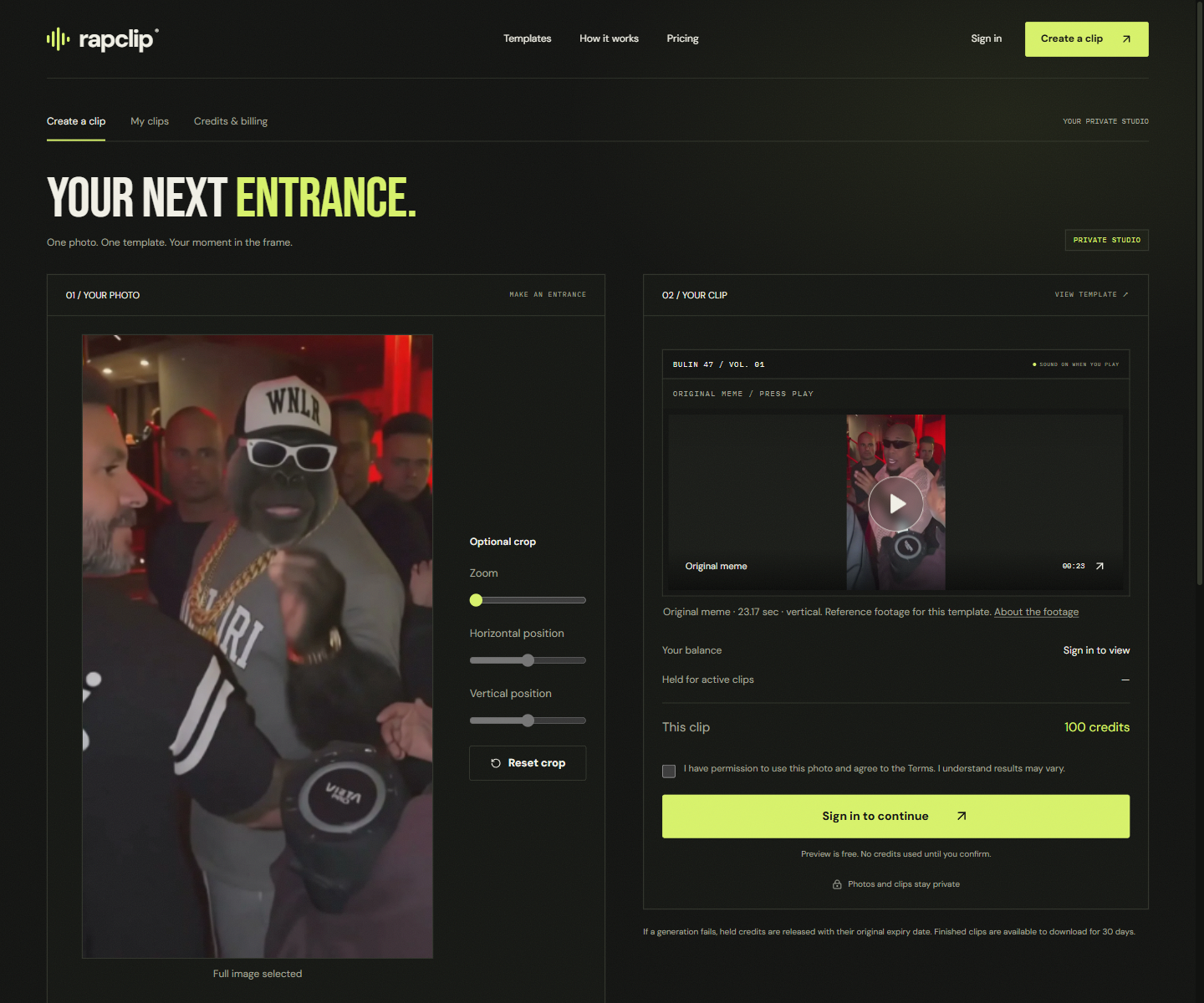
Sign in and review your quote.
Sign in with Google, then upload the photo. The server confirms the template version and its 100-credit price. Quotes last 10 minutes. If you need credits, choose a one-time pack. Returning from checkout does not start generation.
Give it the go-ahead.
Confirm you have permission to use the photo, review the credit cost, and submit. Your credits are held while the job runs. Follow the actual stage in My clips; you can close the page and return.
Take it to the group chat.
Once the video is ready, play it, download the MP4, or use your device’s file-sharing feature. Download within 30 days. You can delete completed works sooner.
Ready when you are.
If a task cannot finish, its held credits are released, keeping their original expiry date. For photo errors, try a sharper, well-lit image with a single visible subject.